
This post includes instructions to download Apache Directory Studio source code and install to a Linux machine. The instructions are tailored for a Raspberry Pi.
It includes an extra step to modify the pom.xml to add Eclipse runtime on Linux desktop for ARM processor.
It’s expected that the next release of Apache Directory Studio will include binaries for Linux ARM and so it won’t be necessary to build from source.
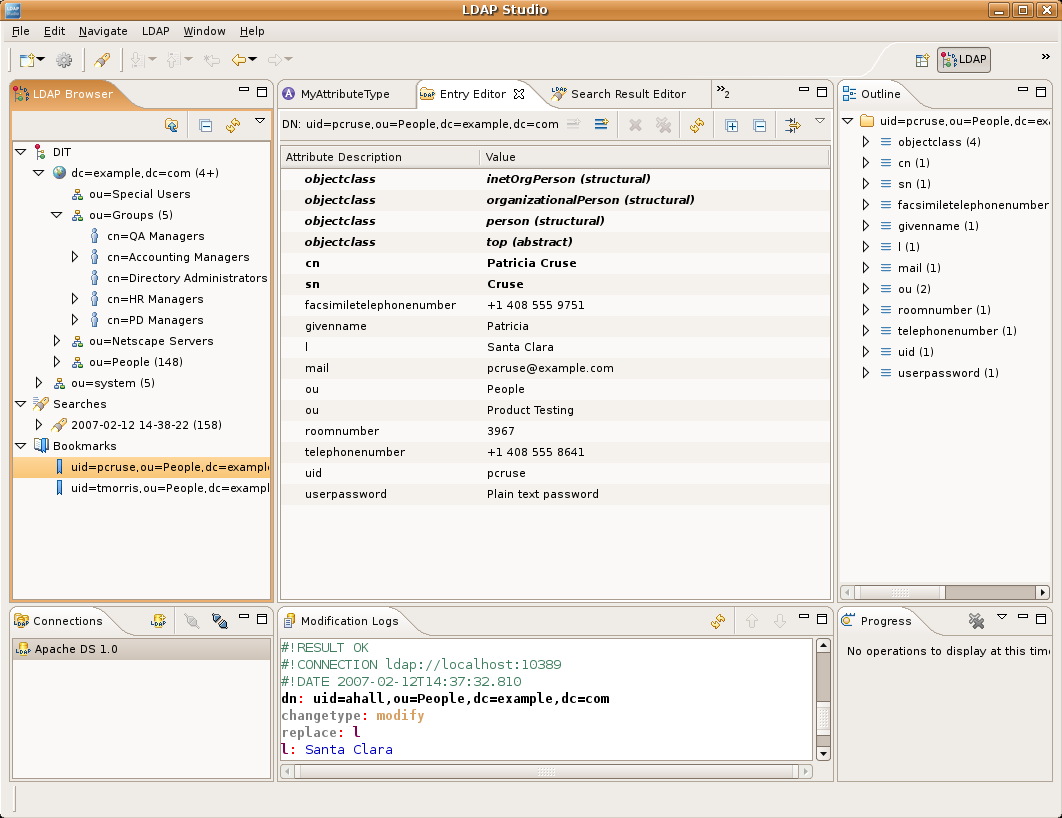
1. Preq it
sudo apt-get install git java
2. Git it
git clone <a href="https://github.com/apache/directory-studio.git">https://github.com/apache/directory-studio.git</a>
3. Arm it
cd directory-studio
vi pom.xml
Add (around line 167):
<environments> ...
<environment>
<os>linux</os>
<ws>gtk</ws>
<arch>aarch64</arch>
</environment> ...
</environments> ...
Save and exit.
4. Build it
mvn -f pom-first.xml clean install
mvn install -DskipTests=true
5. Install it
cp ./product/target/products/ApacheDirectoryStudio*.tar.gz ~/Tools
cd ~/Tools
tar -zxvf ApacheDirectoryStudio*.tar.gz
Where *Tools* is your target for applications.
6. Run it
cd ApacheDirectoryStudio
sudo ./ApacheDirectoryStudio
7. Script it
Because Apache Directory Studio has to run as root we have to create a bash script to execute.
# alter the paths to match your env:
vi ~/Tools/ApacheDirectoryStudio/start.sh
Add:
sudo /home/user/Tools/ApacheDirectoryStudio/ApacheDirectoryStudio
Save and exit.
8. Execute it
chmod a+x <a href="http://start.sh"><u>start.sh</u></a>
9. Launch it
sudo vi /usr/share/applications/studio.desktop
# Paste info: [Desktop Entry] Type=Application Name=Apache Directory Studio Comment=LDAP Browser Icon=/home/user/Tools/ApacheDirectoryStudio/configuration/org.eclipse.osgi/78/0/.cp/studio.png Exec=/home/user/Tools/ApacheDirectoryStudio/start.sh Terminal=false Categories=Application;Development;
Save and exit. Where “/home/user/Tools” is where you put the binaries. Launcher will be under the “Programming” menu item.